Your own checkout, paid into your own Whop account.
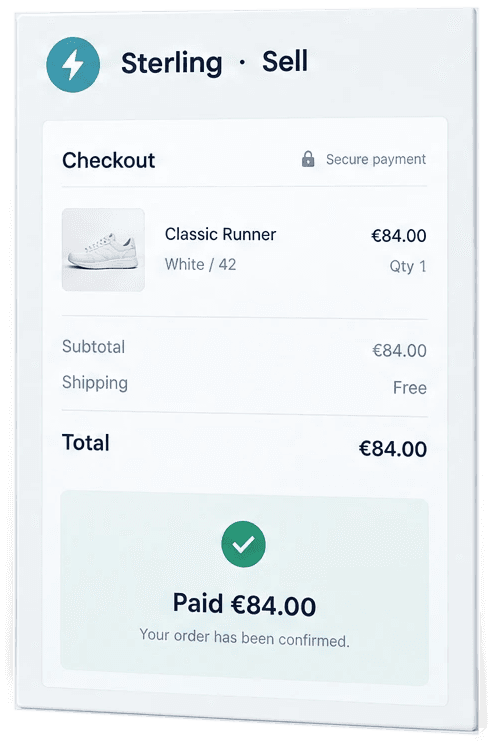
Sterling puts a checkout page in your brand on your store’s own domain. Buyers pay through Whop, into your account, and every paid order is written into Shopify once. A flat €100 a month and 0% of your sales.
Sterling is still being built and tested. No store can use it yet, and it takes no payments until it can.
Six steps from Whop to a live checkout
You set it up once. The first step needs no keys, so you see your own checkout before you connect anything.
- 01
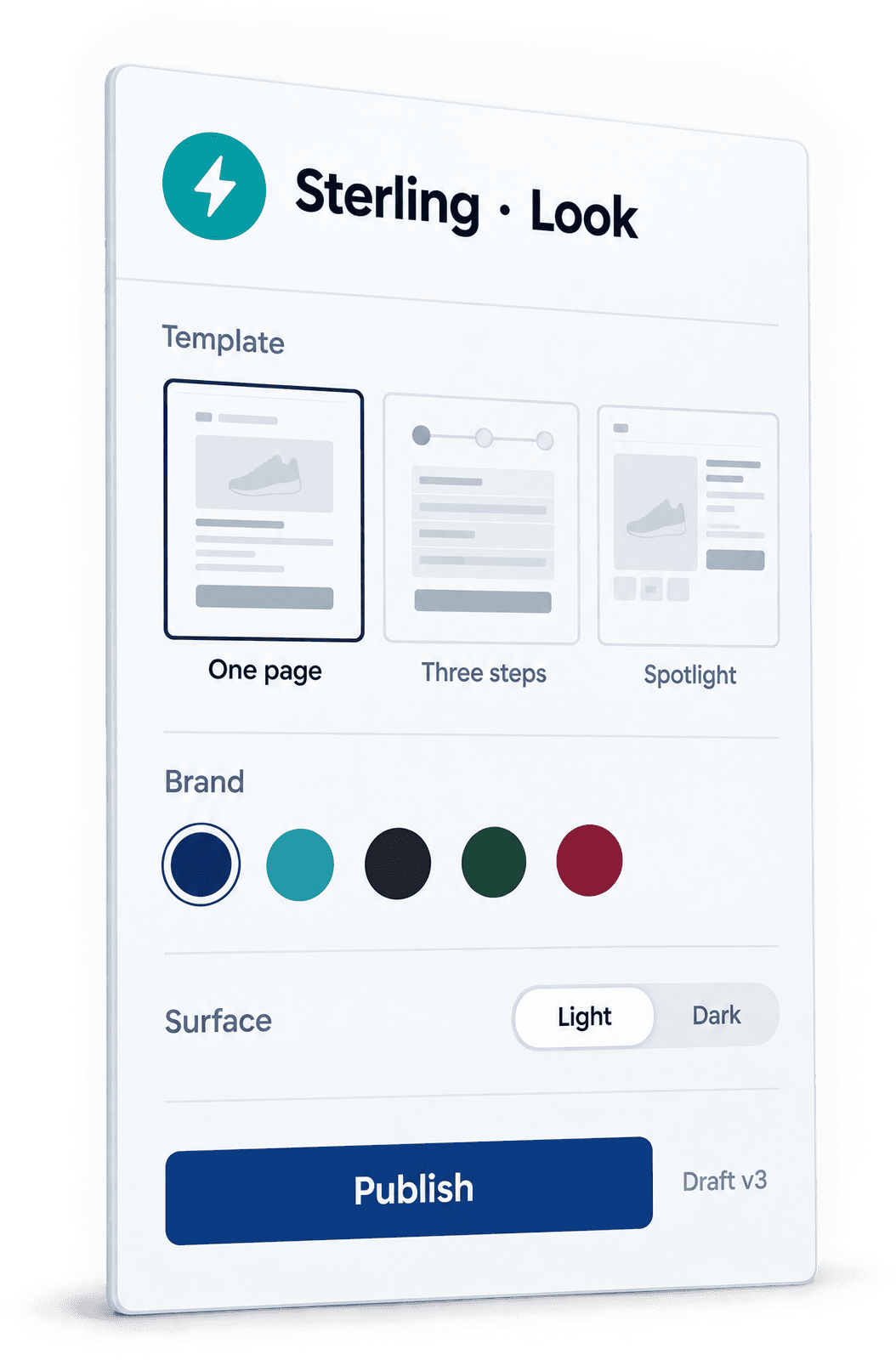
Pick a look
One of three layouts in your logo, colour and font, previewed on desktop and phone.
- 02
Connect Whop
Sign in with Whop, pick your business, and approve our app on Whop’s own install page. You never type a Whop key.
- 03
Connect Shopify
Your store’s own app, with the guide on screen, so paid orders can be written into Shopify.
- 04
Add your domain
checkout.yourstore.com, with the DNS records ready to copy.
- 05
Add one line
Paste one line into your theme. The checkout button opens your page; buy-it-now, Shop Pay and PayPal buttons are left alone.
- 06
Test, then go live
Pay for one order yourself through your own test link and check it landed in Shopify. Only then switch the checkout on.
Three fixed layouts, in your brand
You pick the look, not the structure. Each layout is fixed, built from published checkout research on what makes buyers finish. Pick one to see it.
Left out on purpose: countdown timers, pre-ticked extras and custom code. They cost buyers’ trust, some break consumer law, and code on a payment page is a security risk.
What it will do, and what it will not
It will
- Take prices, shipping, tax and discounts from Shopify itself, never from the browser.
- Take the payment in Whop’s own payment fields.
- Write every paid order into Shopify once, so your fulfilment app ships it as usual.
- Send buyers to Shopify’s own checkout when anything goes wrong, or when you pause it. If our server is slow, the buyer sees it is working after 2.5 seconds and is asked after 6; nobody is handed over silently.
It will not
- Hold your money. Payments go to your own Whop account.
- Take a cut. 0% of your sales. Whop’s own payment fees still apply, as with any Whop checkout.
- Hide anything from Shopify. Every order shows that it was paid through Whop.
What changes when you leave Shopify Checkout
A separate checkout is a trade-off. You should hear it from us first, and you accept these points in writing before your checkout goes live.
- Shopify’s terms ask stores to use Shopify Checkout. Shopify can suspend a store, or switch off an app, that does not. We found no public case of a store suspended for it; the terms allow it all the same.
- These orders have no Shopify fraud check, Shop Pay or Shopify Protect, and Shopify sends no abandoned-checkout emails for them.
- Refunds move money only in Whop. A refund made in Shopify moves nothing.
- Shopify may charge its third-party transaction fee on these orders, depending on your plan.
- Whop can hold funds, sometimes for 90 days or more. When they are released is Whop’s decision.
€100 a month and 0% of your sales
€100 a month
Excluding VAT, and 0% of your sales. For comparison, Lasso’s published Growth plan is $149 a month billed yearly or $199 month to month, plus 1% of every sale (read 15 October 2026).
Leave your email and we tell you the day it opens. Complete waits for Sterling too.